
Deine Locken müssen kein Vogelnest und auch kein oller Wischmopp sein.
Sie können stattdessen eine glänzende Krone und dein schönstes Accessoire sein, welches dir jeden Tag ein Lächeln ins Gesicht zaubert wann immer du in den Spiegel schaust!
Das wäre zu schön um wahr zu sein? Ich zeige dir Schritt für Schritt, wie auch du endlich deine Haare in eine glanzvolle Lockenpracht verwandelst, von der du und andere begeistert sein werden.

Rocke deine Locken!

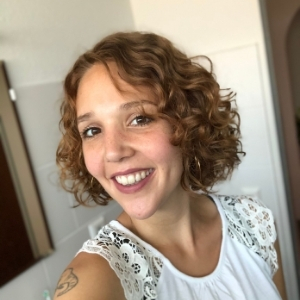
Hallo Lockenkopf, ich bin Elisa Plate.
…und selbst ein Lockenkopf.
Viele Jahre habe ich meine Naturlocken geglättet oder mit der Rundbürste geföhnt. Sie waren nicht zu bändigen: Störrisch, trocken und frizzy. Von Glanz keine Spur. Egal, ob ich Drogerie- oder Friseurprodukte verwendete, sie sahen immer ungepflegt aus.
Ich hatte null Plan, wie ich mit ihnen umgehen sollte.
Heute jedoch weiß ich ganz genau, wie ich meine Locken leicht und so pflege, dass ich regelmäßig für meine Haare Komplimente bekomme. Du möchtest wissen, wie ich das genau geschafft habe?
Kennst du das auch?

Du bist verzweifelt, weil deine strörrischen und trockenen Naturlocken, Wellen oder krausen Haaren oft eher einem Vogelnest gleichen?
Du könntest heulen, wenn du morgens in den Spiegel schaust und deine Haare wiedermal wie ein aufgeplatztes Sofakissen aussehen?
Dein Badezimmer steht voller Lockenpflege-Produkte, doch keins davon hilft wirklich? Oder stehst du in der Drogerie, hilflos vor dem Regal voller Haarprodukte, ohne zu wissen was du kaufen sollst?
Du versteckst deine Naturlocken fast immer in einem gekämmten Zopf und wenn du sie doch mal offen trägst, fragen dich deine Freunde oder Familie, ob du deine Haare nicht mal kämmen möchtest?
Aber was wäre wenn?

Wenn du genau wüsstest, wie du dein trockenes Vogelnest in deine Traummähne verwandelst und das Tag für Tag.
Wenn du jedes Mal ein stolzes Lächeln auf den Lippen hast, wenn du in einen Spiegel schaust und dich schön mit deinen Haaren fühlst.
Wenn du genau die Produkte im Schrank hast, welche deine Haare pflegen und dir an jedem Waschtag tolle Ergebnisse zaubern.
Wenn dir deine Familie, Freunde oder auch die Kassiererin an der Supermarktkasse bewundernd für dein schönes lockiges oder welliges Haar Komplimente machen?!
Ich unterstütze dich dabei, dass das alles nicht nur Wunschtraum bleibst, sondern auch Realität wird!
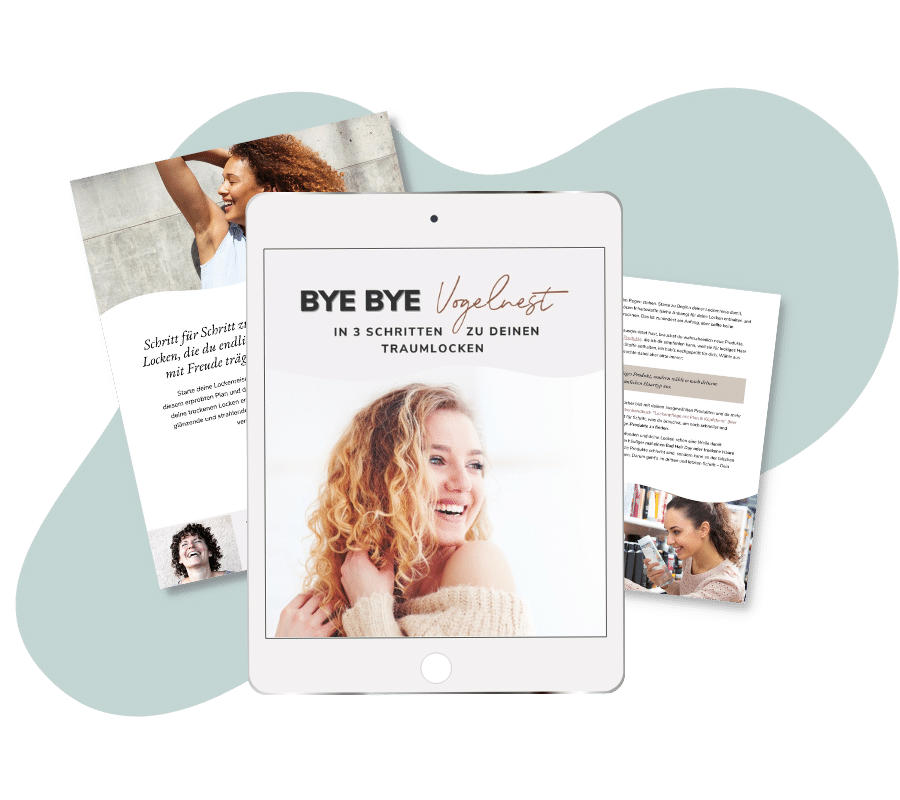
Sag ByeBye zu deinem Vogelnest!
Hol dir das kostenlose Mini-E-Book mit den 3 wichtigsten Geheimtipps, wie du deine Lockenreise startest und dein Vogelnest endlich auch in schöne und glänzende Traumlocken verwandelst.
Starte jetzt deine Lockenreise

Lockenpflege 1x1
Starte deine Lockenreise Schritt für Schritt mit diesen leicht umsetzbaren Tipps um dein natürliches lockiges oder welliges Haar schön zu pflegen.

Locken-Magazin
Hier findest du nur wirklich hilfreiche & fundierte Tipps für deine Lockenpflege. Keine schnöden 0815-Informationen, die du eh schon 100 mal gehört hast.

Lockenprodukte
Finde hier eine Übersichtsliste an hochwertigen, natürlichen und effektiven Produkten, die für deine Locken geeignet sind.
Locken sind kein Trend, sondern ein Lebensstil.
Lorraine Massey – Erfinderin der Curly Girl Methode
Bist du verloren im Produktdschungel?
Du weißt nicht, welche Pflege du wirklich brauchst, um dein Vogelnest in schöne Locken zu verwandeln?Klicke auf den nachfolgenden Button und ich zeige dir Schritt für Schritt, wie du endlich mit dem richtigen Wissen die richtige Pflege für deine Haare findest.
Aktuelle Artikel für dich
Trockenes Haar? Warum Feuchtigkeit nicht die Lösung ist – und was deine Haare stattdessen brauchen …
Hast du strohiges, raues oder struppiges Haar, das eher an ein Vogelnest als an definierte Locken erinnert? Dann glaubst du wahrscheinlich, dass du es nur mit genug Feuchtigkeit versorgen musst, damit es glänzend, weich und geschmeidig wird. Richtig? Sorry, aber das ist leider Humbug. Heute...
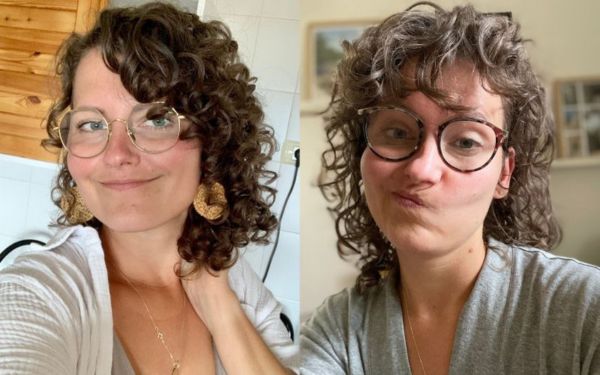
Schwangerschaft, Stillzeit und Geburt…wie Hormone meine Locken verändert haben und was ich dagegen getan habe
Heute gibt es mal ein etwas anderes Vorher Nachher Bild von mir. Vielleicht kennst du meine Lockentranformation und die vieler anderer Lockenköpfe. Von wellig und undefiniert zu wunderschönen glänzenden und definierten Locken. Heute zeige ich dir meine Transformation der letzten zwei Jahre und die...
Bereits über 4.500 zufriedene Lockenköpfe
Was andere Lockenköpfe über mich & meine Unterstützung sagen:

Du hast meine Locken wieder zum Leben erweckt!
„Du bist ein sehr sympathischer Mensch und du wirkst sehr ehrlich und du hast dich sehr gut mit allem auseinandergesetzt und das Buch ist absolut schön gestaltet! Ich bin nach wie vor begeistert und DU hast meine Locken reanimiert! Ich habe jeden Buchstaben aufgesaugt wie ein Schwamm!
Ich finde es einfach klasse von A bis Z! Es gibt nichts einzuwenden und der Aufbau ist auch wirklich prima! Also, diese Schritt-Für-Schritt-Anleitung! DANKE dafür! Du machst alles goldrichtig! :)“
– Lockenkopf Laura –
Endlich trage ich meine Haare wieder gerne offen.
„Ich bin absolut Begeistert von deiner Seite und deinem Lockenhandbuch!!!! Endlich gibt es jemanden der es genau versteht welche Probleme und Verzweiflung mit Locken haben kann. Vielen vielen Dank das du das Buch geschrieben hast.
Ich habe meine Haare zum Schluss nur mehr zusammen gebunden und versteckt. Aber jetzt trage ich sie mit stolz und liebe wieder offen. DANKE!!!!!!„
– Lockenkopf Katharina –
Meine Locken sehen nach deinem Kurs viel Besser aus.
„Ich möchte mich für deine wertvollen Tipps rundum die Lockenpflege bedanken. Seitdem ich in diesem Jahr auf deine Internetseite gestoßen bin, pflege ich meine Locken nur noch mit deinen empfohlenen Produkten und Methoden.
Der Styling-Kurs hat mir auch sehr viel gebracht, vor allem für meine tägliche Routine. Definitiv sehen meine Locken, nachdem ich deinen Stylingkurs gemacht habe viel besser aus.“
– Lockenkopf Georgia –
Willst du auch, wie diese Lockenköpfe dein welliges, lockiges oder krauses Haar mit Stolz und Begeisterung tragen?

„Meine Haare waren drei Tage fast frizzfrei!“
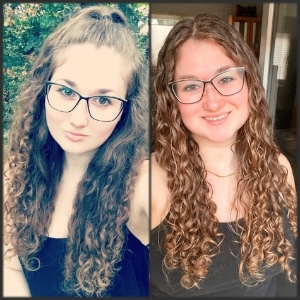
„Das Ergebnis kann sich sehen lassen!“
„Frizz – bisher dachte ich immer, ich müsste mich halt damit abfinden.„

„Elisa ist sehr sympathisch und immer hilfsbereit!„
